
- Free Delivery On Orders Over £100
- Secure Online Payments
-
 Rated Excellent
- Same Day Despatch
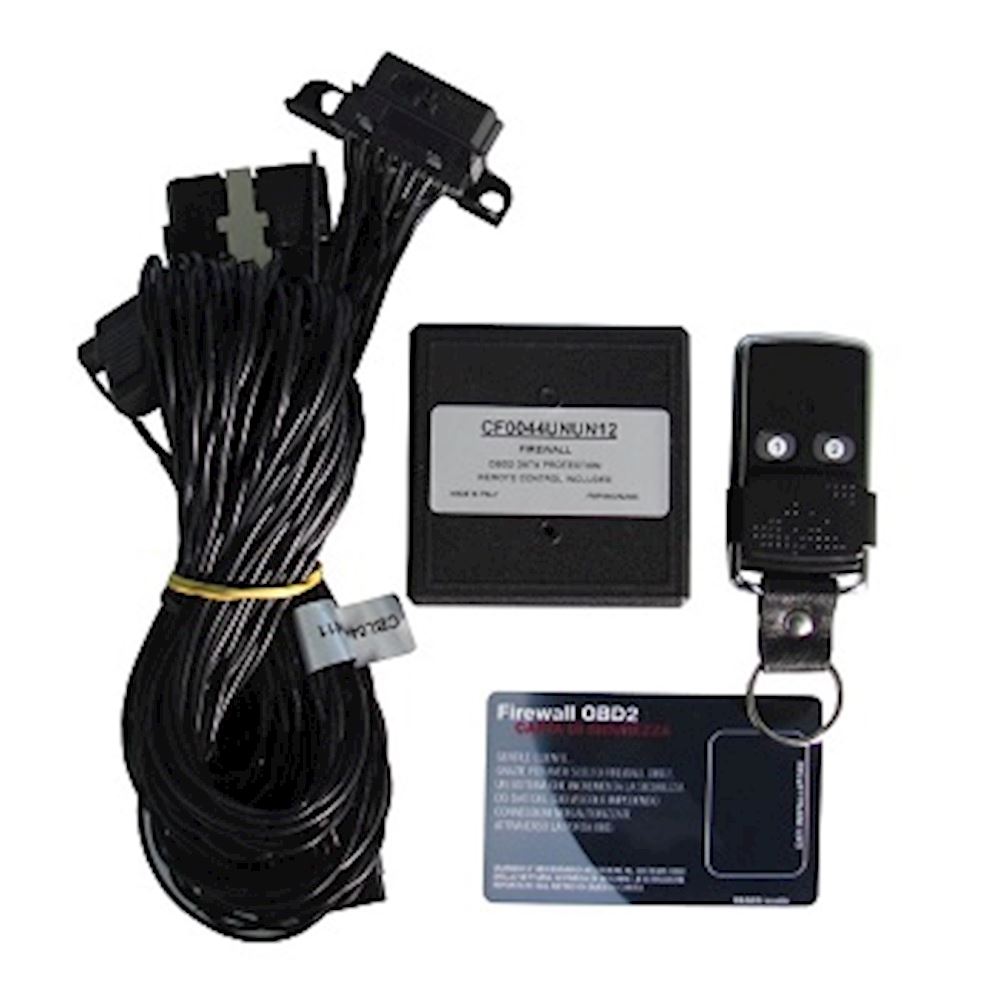
Firewall OBD2 Car Alarm System with Key Fob
Code: FW.ODB2-SYS
In an era where keyless car crime accounts for a staggering percentage of vehicle thefts, the Paser Firewall OBD2 system emerges as a vital, advanced defense against sophisticated digital intrusions. Designed for seamless integration, its plug-and-play harness connects directly to the vehicle's OBD2 port, making installation straightforward and non-invasive. Once powered, the system immediately establishes a robust communication lockdown, effectively neutralizing the OBD2 socket as a vulnerability point. This critical security measure prevents unauthorized diagnostic tools from interacting with the vehicle's systems, thereby thwarting illicit key cloning, system parameter alterations, and other forms of digital manipulation that fuel modern car theft. By imposing an impenetrable digital barrier, the Paser Firewall OBD2 system ensures unparalleled digital integrity and provides a superior layer of anti-theft protection that modern vehicles desperately require.
The Car Key Firewall Clone Protector is the perfect addition to any car alarm system. It is easy to install and simple to activate, providing an extra layer of security against car key cloning. This product is firewall protected, ensuring that your car's electronic system stays safe from hacking attempts. With the Car Key Firewall Clone Protector, you can rest assured that your vehicle is protected at all times.
Compatible with any vehicle. Just type the make and model of your vehicle in the special notes section when placing your order.
Please click on the link below for an installation demo:
https://www.youtube.com/watch?v=PEqRA8SSxCI
Installation instructions:
Step 1. Please remove the original OBD port terminal from its housing.
Step 2. Please insert the FIREWALL OBD2 connector into the OBD original socket.
Step 3. Please connect the anti-theft control cable to the alarm system.
Step 4. Please place the module in a safe and secure place.
Step 5. Please install the FIREWALL OBD2 back to the original location.
